
White Label Reporting & Analytics

Unlock white-label reporting and analytics software. Customize dashboards, deliver branded insights, and scale your agency with powerful data intelligence tools.

No listings found

There are currently no listings in the Reporting & Analytics category.

Are you interested in Reporting & Analytics? Be the first to add listings in this category!

Submit your listing

White Label Reporting and Analytics FAQs

Welcome to our comprehensive guide to best white label analytics for SaaS teams, agencies, and businesses looking to integrate analytics into customer portals and products. This set of faqs explains what “white label means in practice, how to compare a BI solution, and what to expect from modern white‑label reporting and dashboards.

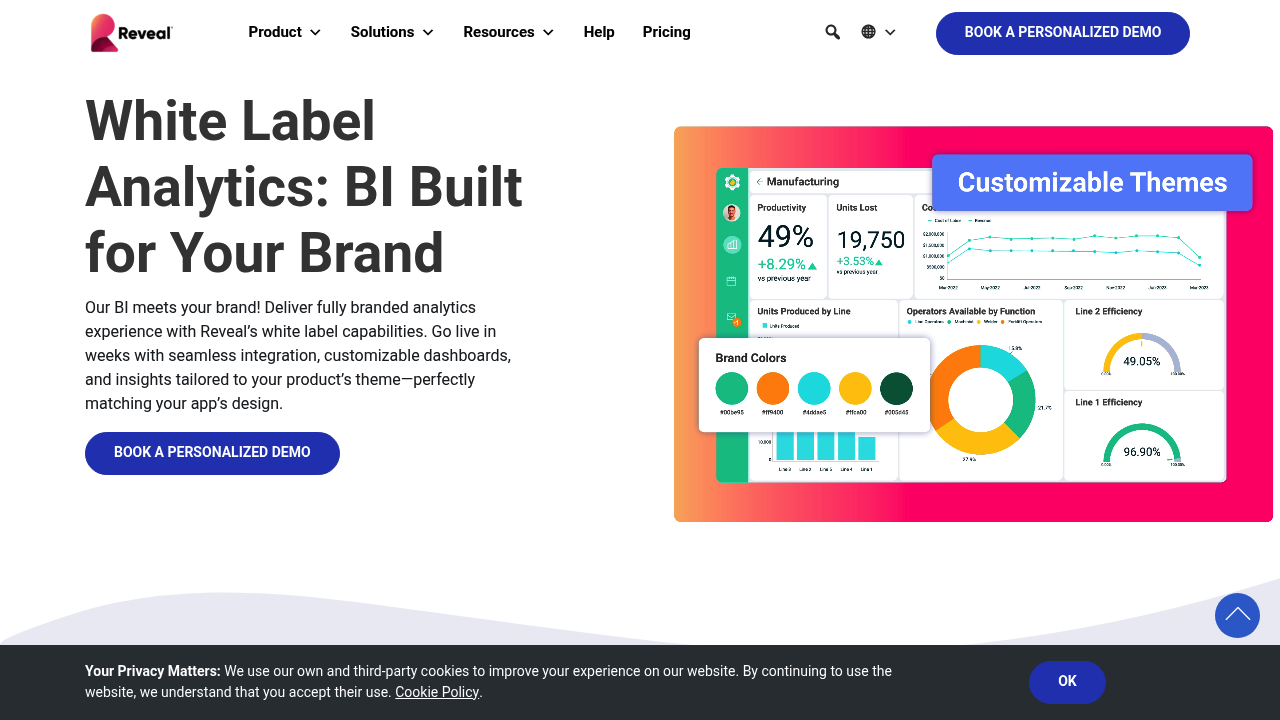
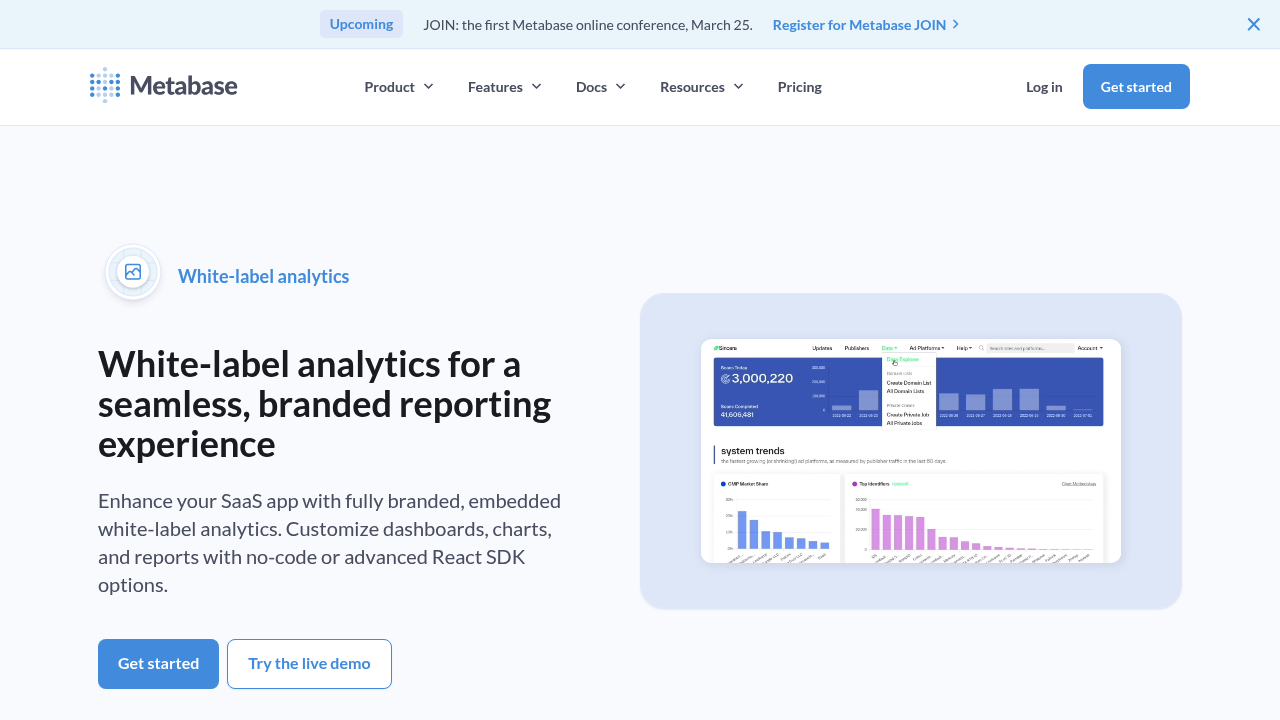
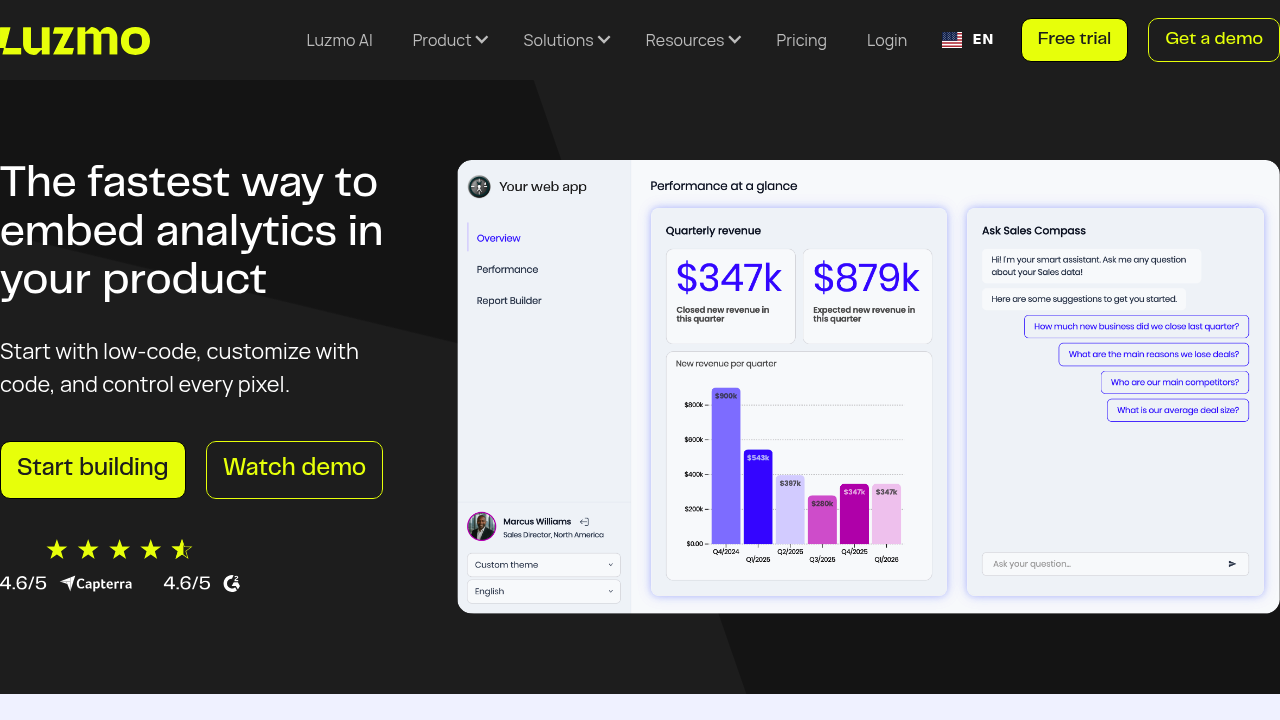
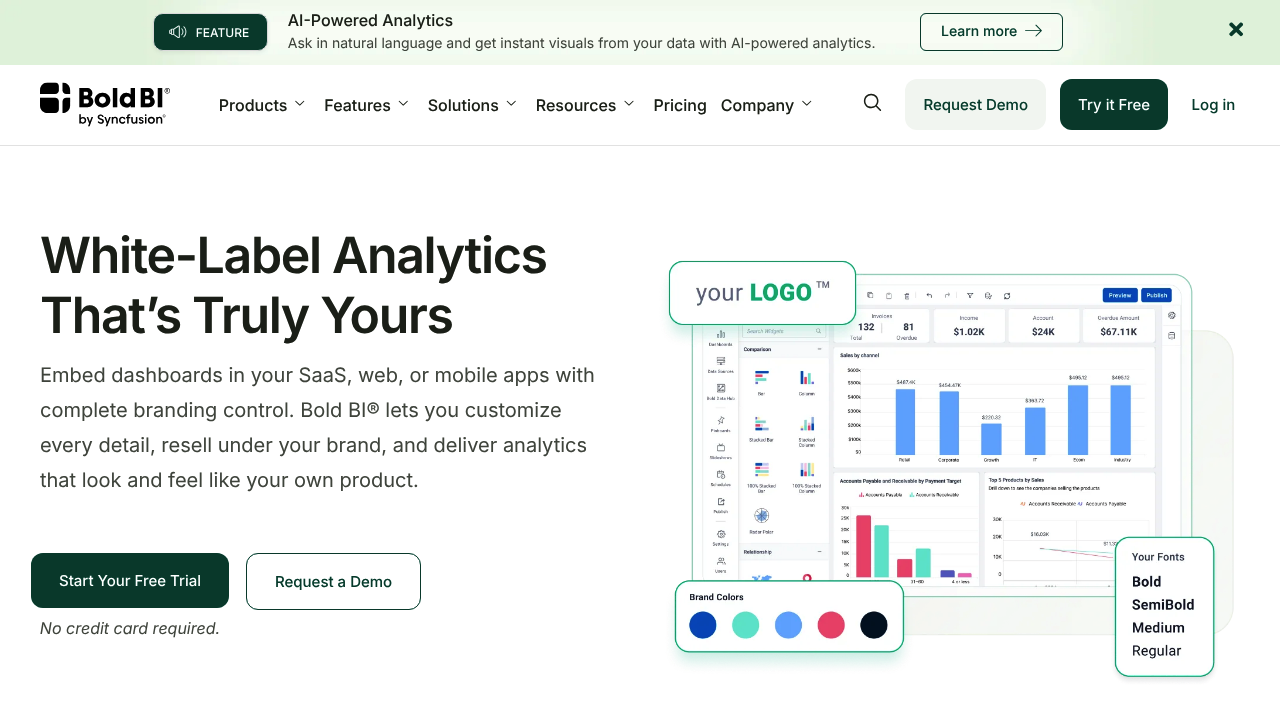
A white-label bi tool is a bi solution you can rebrand so analytics look like a native module in your product, not a separate vendor app. In practical terms, white labeling means your logos, colors, fonts, and user-facing UI labels replace the vendor’s, so the analytics experience feels like part of your own offer. Many vendors describe this as delivering embedded, branded experiences rather than exposing third-party analytics to end users.

Standard embedded business intelligence often embeds a dashboard but still exposes vendor URLs, UI elements, or “Powered by …” traces, so you’re still shipping third-party bi. With a white-label analytics solution, you aim for analytics without visible vendor identity, including your own domain and a consistent feel of your white-label analytics across navigation, colors, and typography. In other words, you’re moving from an embedded analytics solution to a seamless analytics experience that matches your product end-to-end.
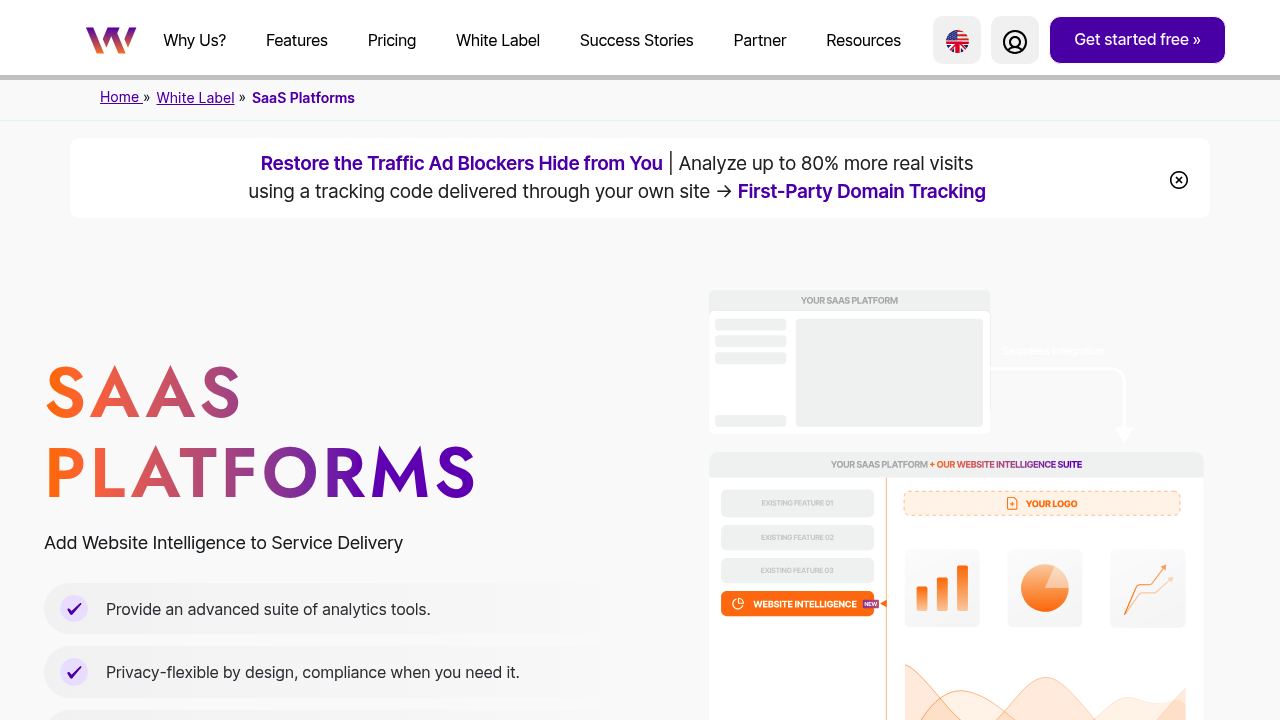
A white label analytics platform should cover both branding and product-grade delivery, not just charts. Common analytics features include: custom theming and CSS control, custom domains, SSO, multi-tenant analytics permissions, watermark removal (full white labeling), embeddability options, and governance over data sources and refresh schedules. For many SaaS use cases, you also want embedded analytics features like row-level security, audit logs, and scalable caching so white label dashboards stay fast on real-time data and remain fully branded analytics.

Start by mapping your product’s analytics needs to a bi platform that supports multi-tenancy, strong permissions, and repeatable tenant onboarding. Prioritize a purpose-built embedded analytics platform with SDKs/APIs, SSO, and secure tenant isolation, then validate whether it supports self-service analytics (for your team or customers) without creating security risk. Many teams shortlist bi tools that are explicitly built as embedded bi, because the integration and scaling model tends to be clearer for SaaS than traditional internal BI deployments.

To choose the right white label, define your analytics offering first: who the users are, what decisions they’ll make, and what “done” looks like (usage, retention, upsell). Then choose the right white label analytics by scoring: brand control, embedding depth, security/multi-tenancy, performance, implementation effort, and cost at scale; this is how you land on the right white label analytics platform instead of the most popular logo. A practical rule: if you must deliver analytics inside your app with minimal vendor footprint, treat white-label and integration requirements as “must-have,” not “nice-to-have.”

Yes—if you need self-hosting and brand control, “affordable” usually means choosing a self-hosted BI option where white-label branding is available via a paid tier, or selecting a licensed on-prem embedded analytics product that includes rebranding features. A practical low-cost path is to keep the BI engine on-prem and embed it into your own portal (with your authentication, navigation, and custom domain), but you should still budget for infrastructure, upgrades, and admin effort.

A common pattern is: centralize ingestion from your data sources, model tenants/clients, and embed filtered dashboards into a portal so each client sees only their slice. You can integrate analytics into existing applications by using SSO plus an embed method (iframe or SDK), then wrap it in your navigation so it feels consistent with the rest of your software. Done well, you make analytics feel like a first-class product module rather than an external reporting page.

First, confirm your plan supports full white (watermark removal, custom domains, branded emails), because many tools gate these behind higher tiers or add-ons. Next, configure branding (logo, colors, typography, terminology), set a custom domain, and update report headers/footers and email templates in your reporting platform so all user touchpoints are consistent. Agency guides often emphasize that removing “Powered by …” elements in reporting tools is as much a commercial/package decision as a technical one.

Make the analytics feel native by aligning authentication (SSO), navigation, terminology, and visual style so users don’t perceive a context switch between your app and analytics. Validate performance using production-like data volume and realistic user load (for example: peak hour usage, concurrent sessions, and worst-case dashboards), then standardize interaction patterns—filters, date pickers, drill-downs, and exports—so users don’t have to relearn controls on every dashboard. Finally, define a consistent “insight to action” flow (annotations, sharing, alerts, or tasks) so analytics supports decisions rather than becoming a passive reporting page.

The benefits of white label analytics for agencies are mainly commercial and operational: stronger brand perception, reduced “go direct to the vendor” risk, and scalable client reporting. A well-packaged bi solution also lets agencies sell bi and analytics as a premium layer (dashboards, insights, benchmarking) rather than treating reporting as a cost center. Some industry guides frame this as turning reporting into a productized service with consistent delivery and margins.

Key risks include vendor lock-in, compliance responsibilities (DPAs, retention, GDPR), and underestimating implementation/maintenance work—especially if you move from traditional bi to customer-facing, multi-tenant scenarios. Another risk is spending on branding but not on decision support: dashboards exist, but no one owns insights, so adoption of bi stalls. Also be careful not to over-customize early; heavy customization can slow upgrades and make building analytics workflows harder over time.

It fails when analytics is treated as a cosmetic deliverable (a pretty dashboard) rather than an operating process with ownership, cadence, and clear decision use-cases. Common failure modes include: no single person accountable for insights, unclear KPIs tied to client goals, unreliable data inputs, and dashboards that don’t translate into actions (changes to targeting, budget, creative, or funnel steps). In those cases, clients may view reporting as “numbers for the sake of numbers,” engagement drops over time, and the program quietly becomes a low-value monthly ritual.

Often, no—if the team is comfortable with standard BI UI, there’s less need to hide vendor identity, and industry-leading bi tools already work well internally with minimal theming. It can still be worth it if you run multiple internal portals and want a unified experience, or if you plan to later expose the same analytics externally (partners/customers) and want to avoid rework. In those cases, a white-labeled bi solution can be a strategic foundation even for internal rollouts.

White-label analytics can improve internal operations by creating a consistent analytics environment across departments, so teams access the same KPIs, definitions, and reporting workflows through a single branded portal instead of scattered BI links and spreadsheets. It supports internal processes by standardizing role-based access, enabling governed self-service (so teams can answer routine questions without waiting on analysts), and making dashboards/reports repeatable across business units with shared templates and metric definitions. It also reduces future rework if you later decide to expose the same analytics to partners or customers, because the branding, permissions model, and embedding approach are already designed for controlled reuse.

Build if your needs are truly minimal and stable; otherwise, white-labeling is usually faster and safer because mature bi tools already handle security, scaling, and visualization depth. Many embedded analytics guides cite large time-to-market differences between buying and building, and a modern white-label approach can still support ai-powered analytics and predictive analytics if your product roadmap needs it. A pragmatic middle ground is to use a white-label bi engine and build a thin UX shell for the parts that must be custom.

Plan for scale and change: new data sources, new tenants, and evolving governance requirements will stress the platform over time. Verify roadmap fit for ai-powered analytics, auditability, and self-service analytics, and make sure your contract covers branding depth, support SLAs, and portability so you’re not trapped. The best white label and best white-label choice long term is the one that keeps your embedding flexible while still delivering high-quality analytics to end users.